1
It learns from your finished work.
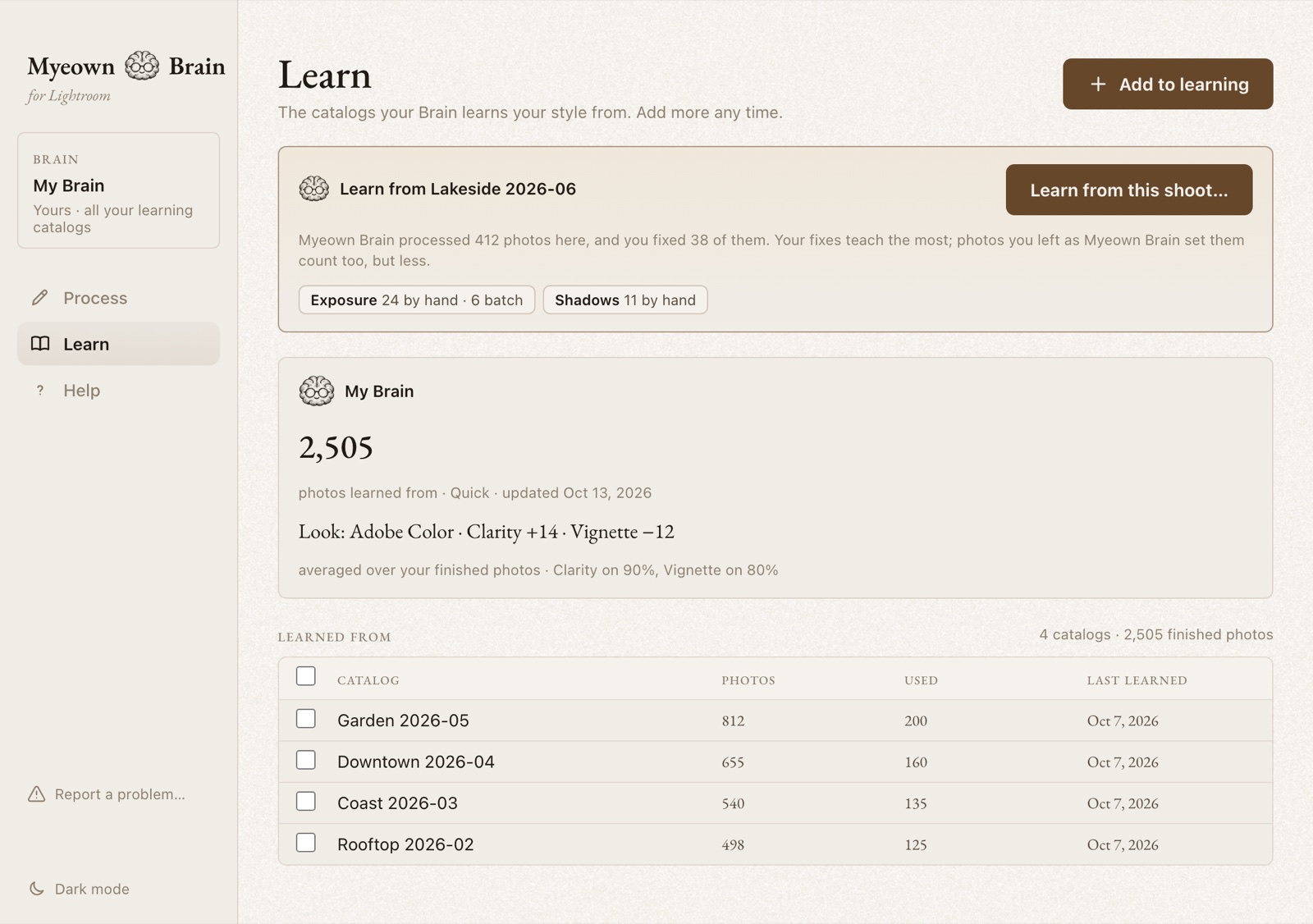
Point it at your Lightroom catalogs. It reads your finished edits and your original photos, right on your computer. No exported JPEGs needed.
Myeown Brainfor Lightroom Classic and Lightroom

Myeown Brain learns how you edit from your own Lightroom catalogs, then edits new photos your way, in Lightroom Classic and Lightroom. Your photos never leave your computer, and you buy it once.
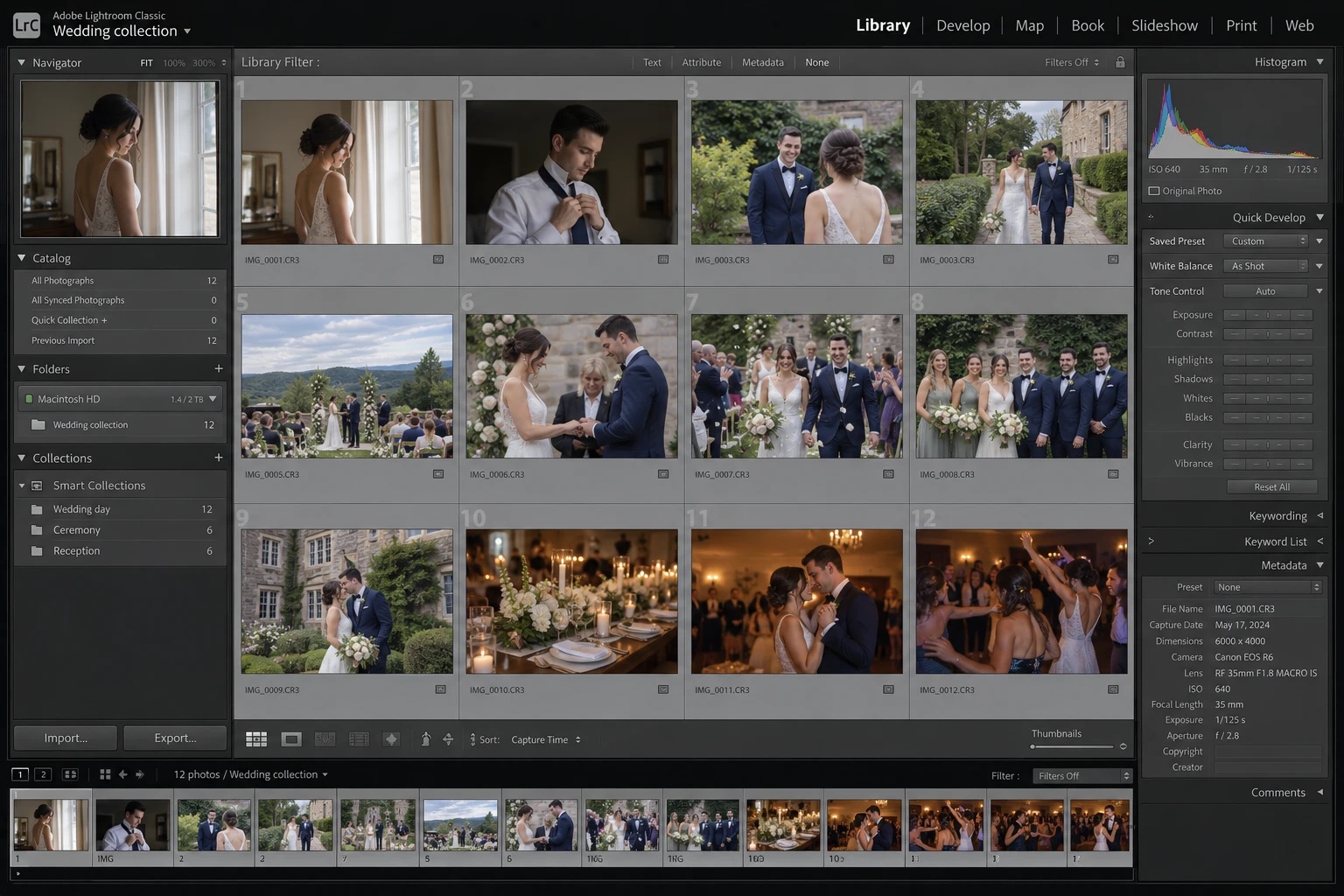
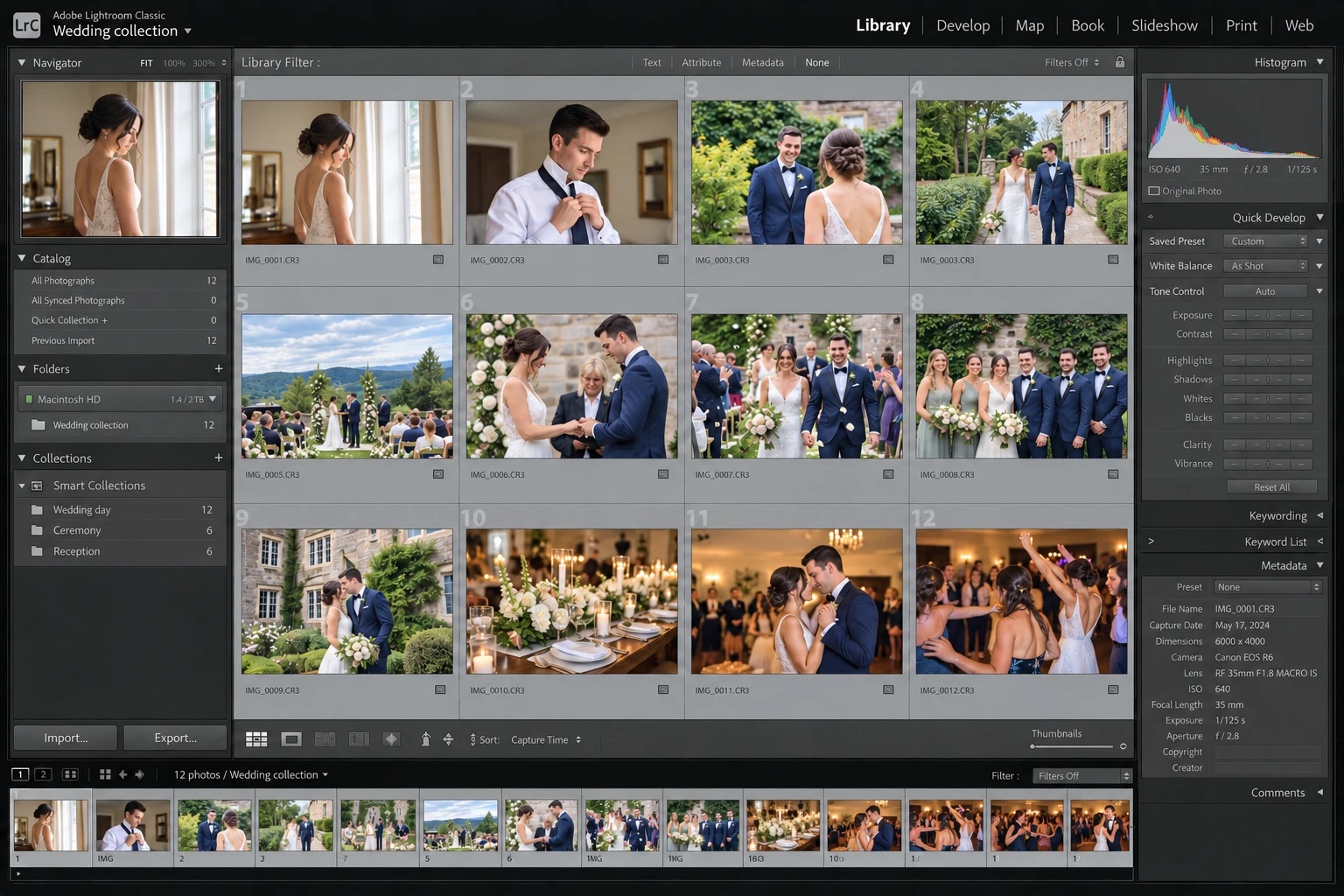
Point it at your Lightroom catalogs. It reads your finished edits and your original photos, right on your computer. No exported JPEGs needed.
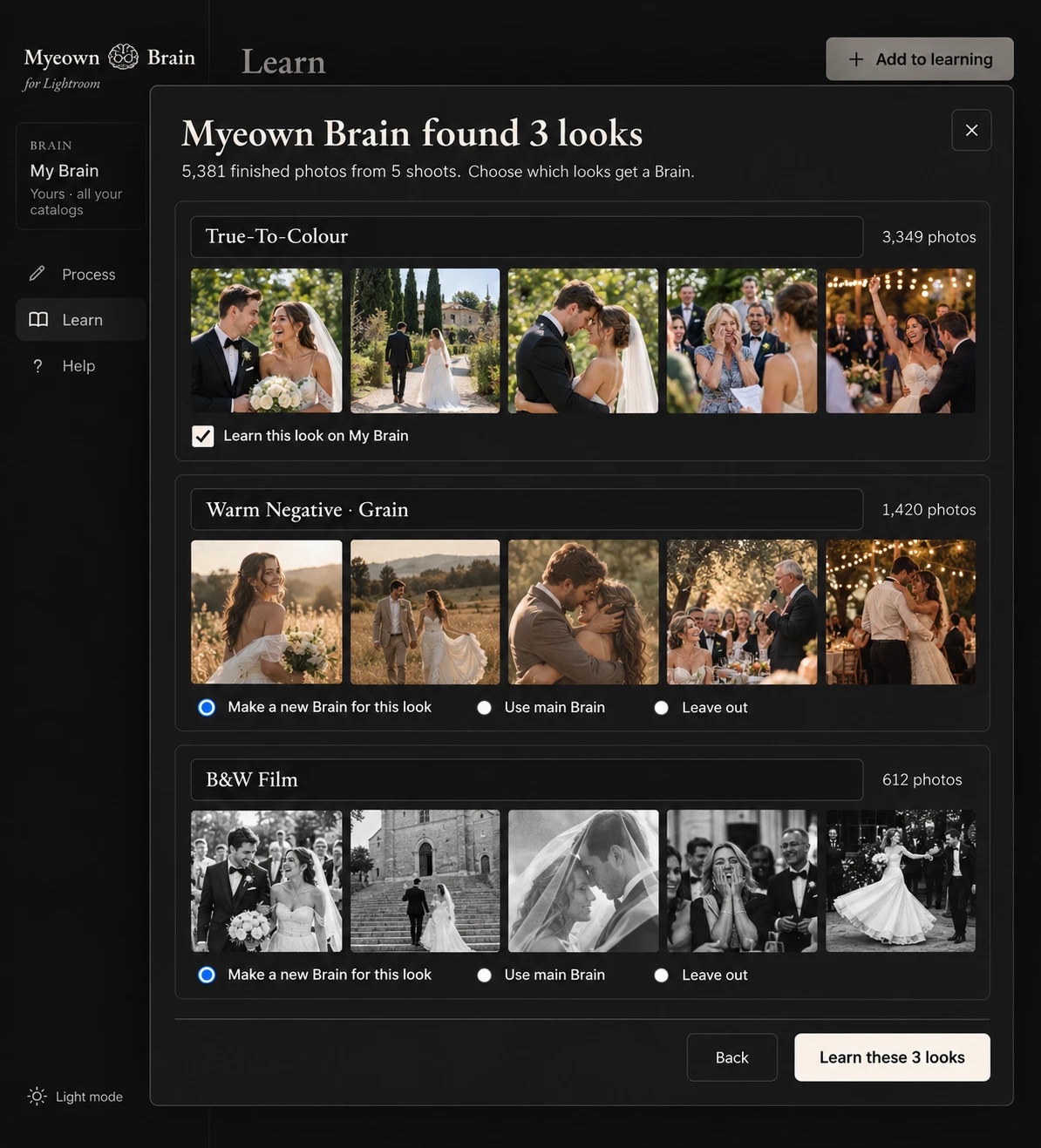
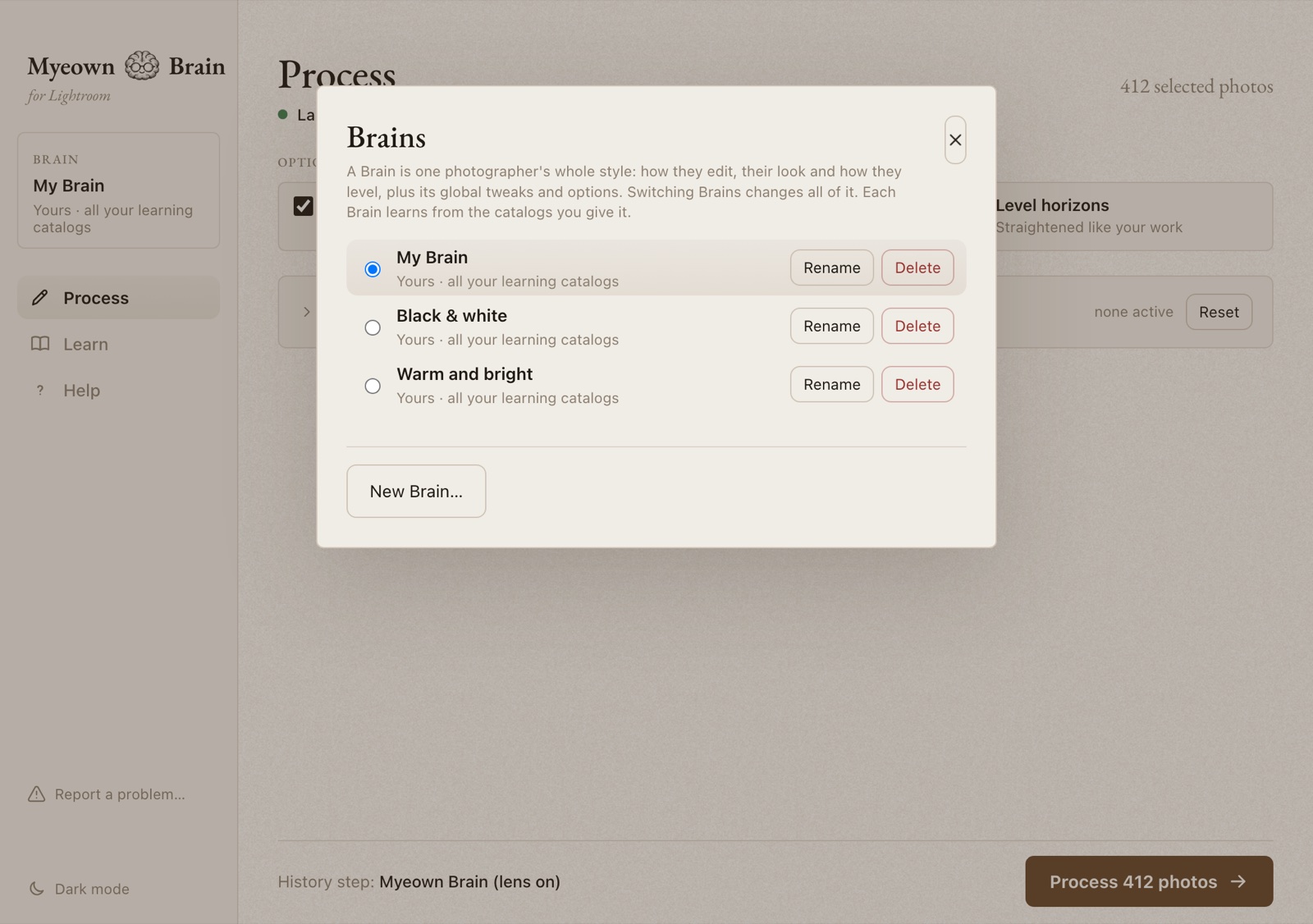
Deliver a warm film look for some clients and black & white for others? Myeown Brain finds each look in your finished photos, shows you examples, and learns a separate Brain for each one you choose, so no look gets blended into another. If two looks are really one style to you, learn them together.
Select photos in Lightroom Classic, or drag in a folder for Lightroom, and press Process. Each photo gets your edit as a single history step named after your Brain, so you can compare and undo as usual. Light or dark, the app follows your taste.
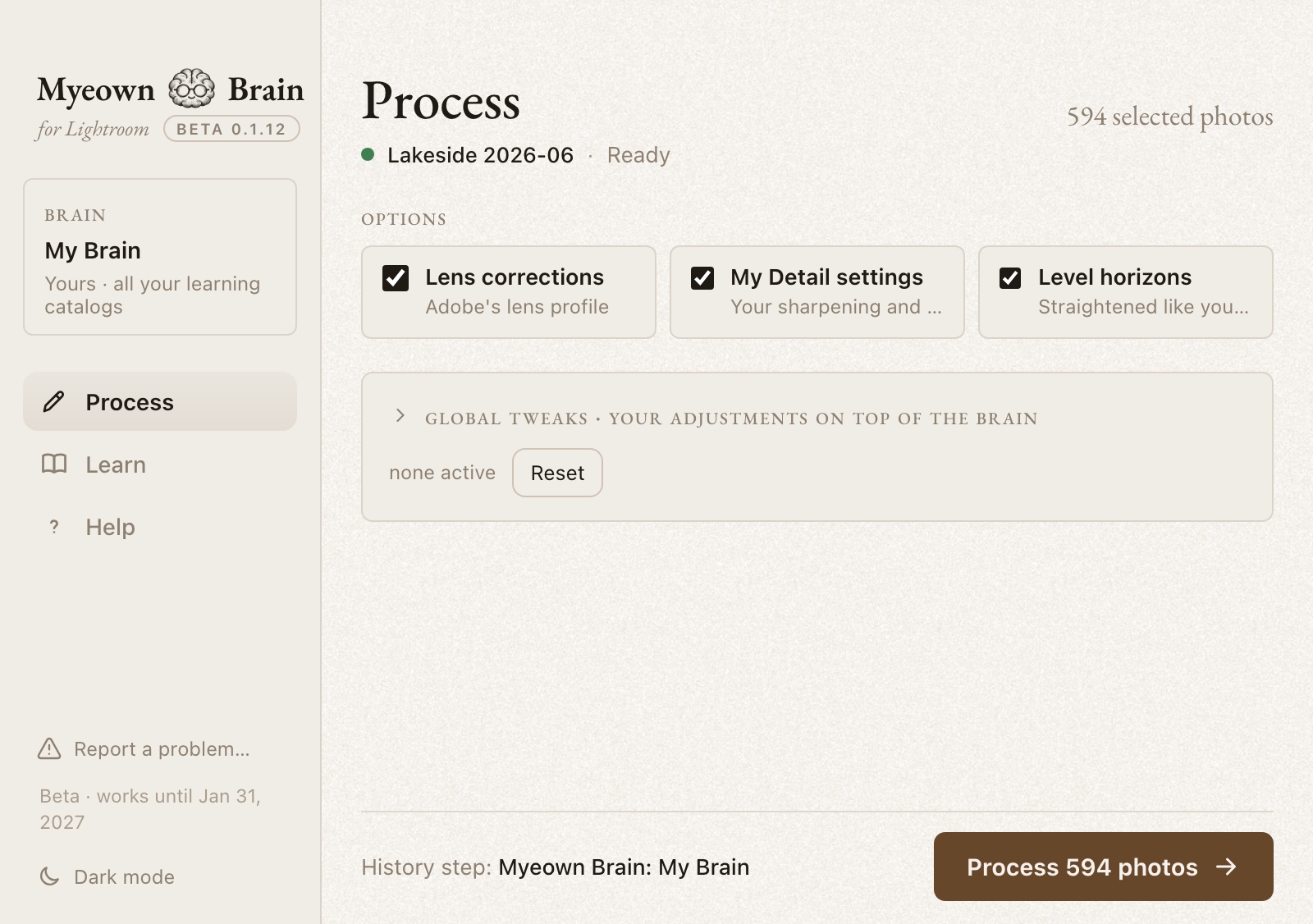
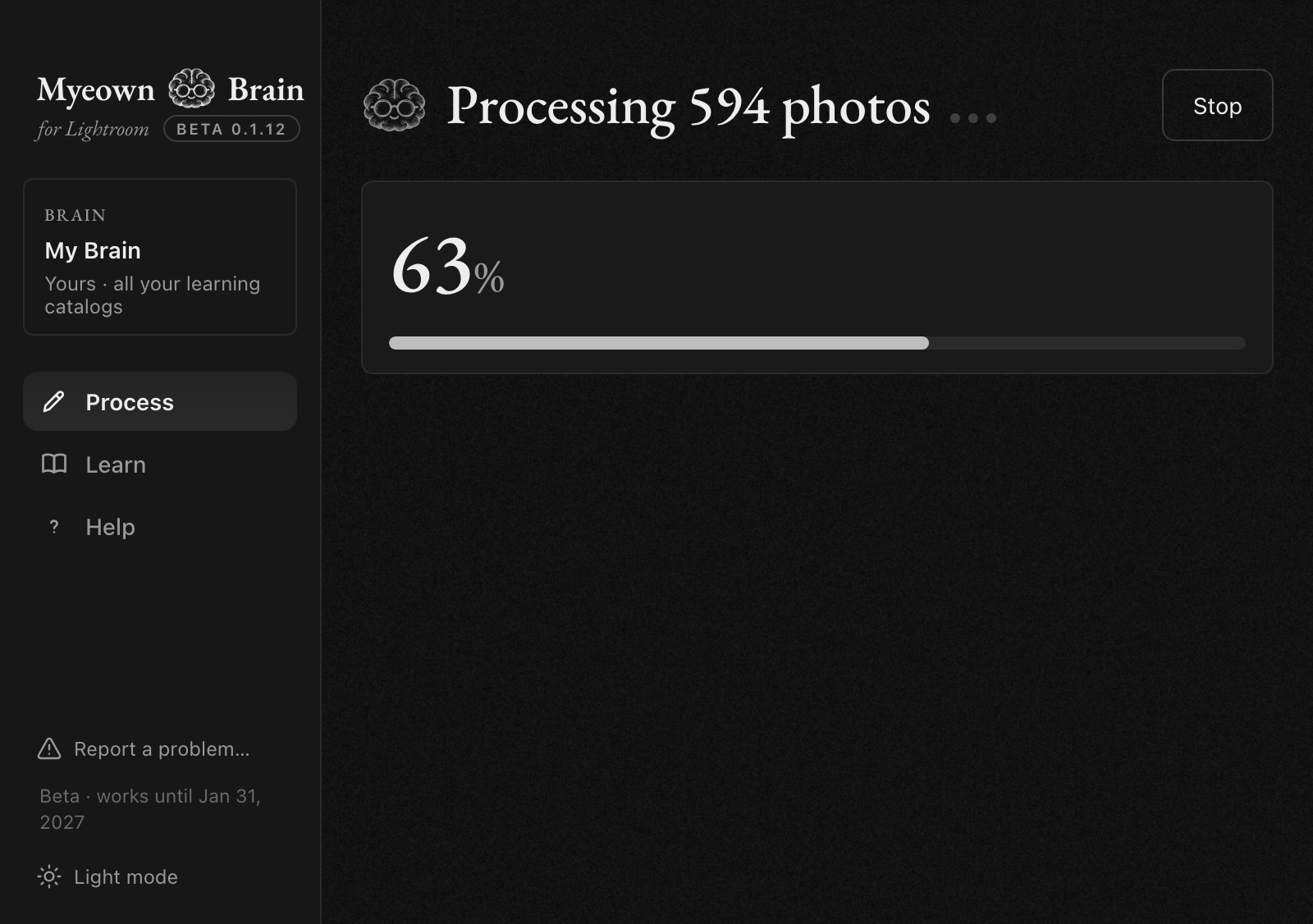
When you adjust a photo after processing, it learns from that too, and gets closer to you with every shoot.
Use it as a plugin inside Lightroom Classic, or as a standalone app on its own.
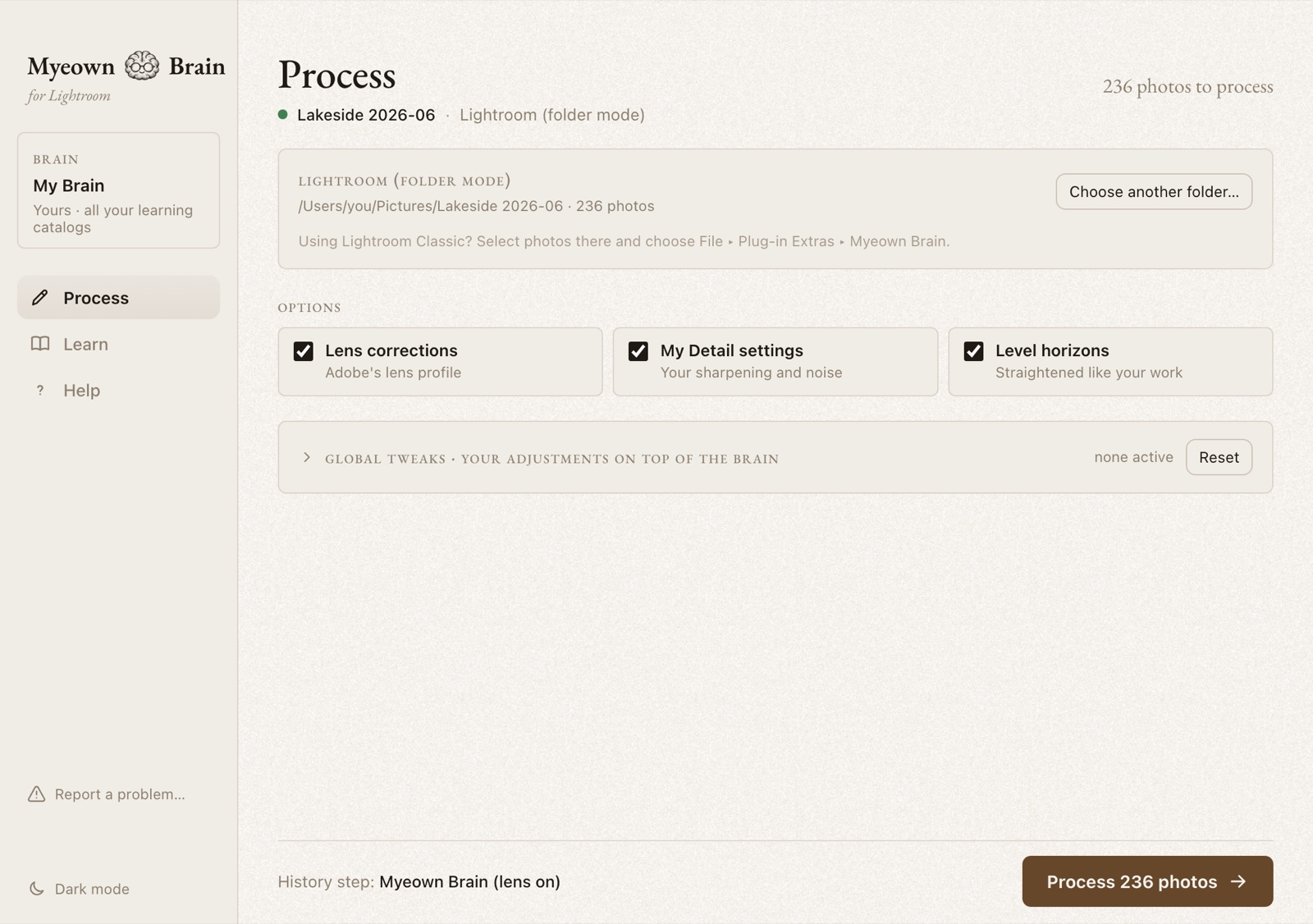
Select photos and choose File ▸ Plug-in Extras ▸ Myeown Brain. Each photo gets a history step, so you can compare and undo as usual.
Open Myeown Brain on its own and drag in the folder of photos you edit in Lightroom. Myeown Brain saves each photo's settings where Lightroom reads them, and keeps a backup so you can put everything back in one click.
All learned from your own finished photos.
Even the learning happens on your computer, not just the editing. Your photos, catalogs and clients' faces never go to anyone's servers, and it edits without an internet connection. All it ever sends is a quick license check, about once a month, and a check for updates when you ask.
No subscription, no per-photo fees, no credits to top up. Edit as many photos as you like, as often as you like.
It learns only from your own finished work, so it edits like you. Your Brain is saved as a file you own and keep.
Make a Brain for each kind of work, or for each style you edit in. Each one learns on its own, and there's no extra cost for any of them.
| Myeown Brain | A typical subscription AI editor | |
|---|---|---|
| How you pay | Once | Monthly or yearly, often with per-photo charges on top |
| Where your photos go | Nowhere. They stay on your computer | Depends on the service; many send photos to the cloud |
| Where it learns your style | On your computer | Usually on the service's servers |
| More than one style | As many Brains as you like, no extra cost | Varies by plan |
| Internet needed to edit | No | Often yes |
| If you stop paying | Nothing changes. It's yours | Editing usually stops |
| Your learned style | A file you own and keep | Usually tied to your subscription |
Subscription editors differ; check the terms of any service you compare.
You'll need the beta key you were sent (it looks like MB-7K2QF-…). Version 0.1.15.
Want to see Myeown Brain at work before your own Brain has learned? Try the Brain trained on Jamieson's finished work. Type your beta key to download it.
Then open Myeown Brain (version 0.1.9 or newer), click the Brain name at the top left, choose Import a Brain… and pick the file. It sits next to your own Brain, and you can switch back any time.